
App Interface and Features
Notification Forwarder synchronizes incoming text notifications and OTP codes between multiple devices (PC, Phone, Tablet) and acts as a Notification Hub for selected applications. It also enables you to avoid being constantly disrupted by silently dismissing notifications containing certain keywords so that you can view them later in the Hub.
This app requries paid subscription. You can try for free, then cancel anytime.
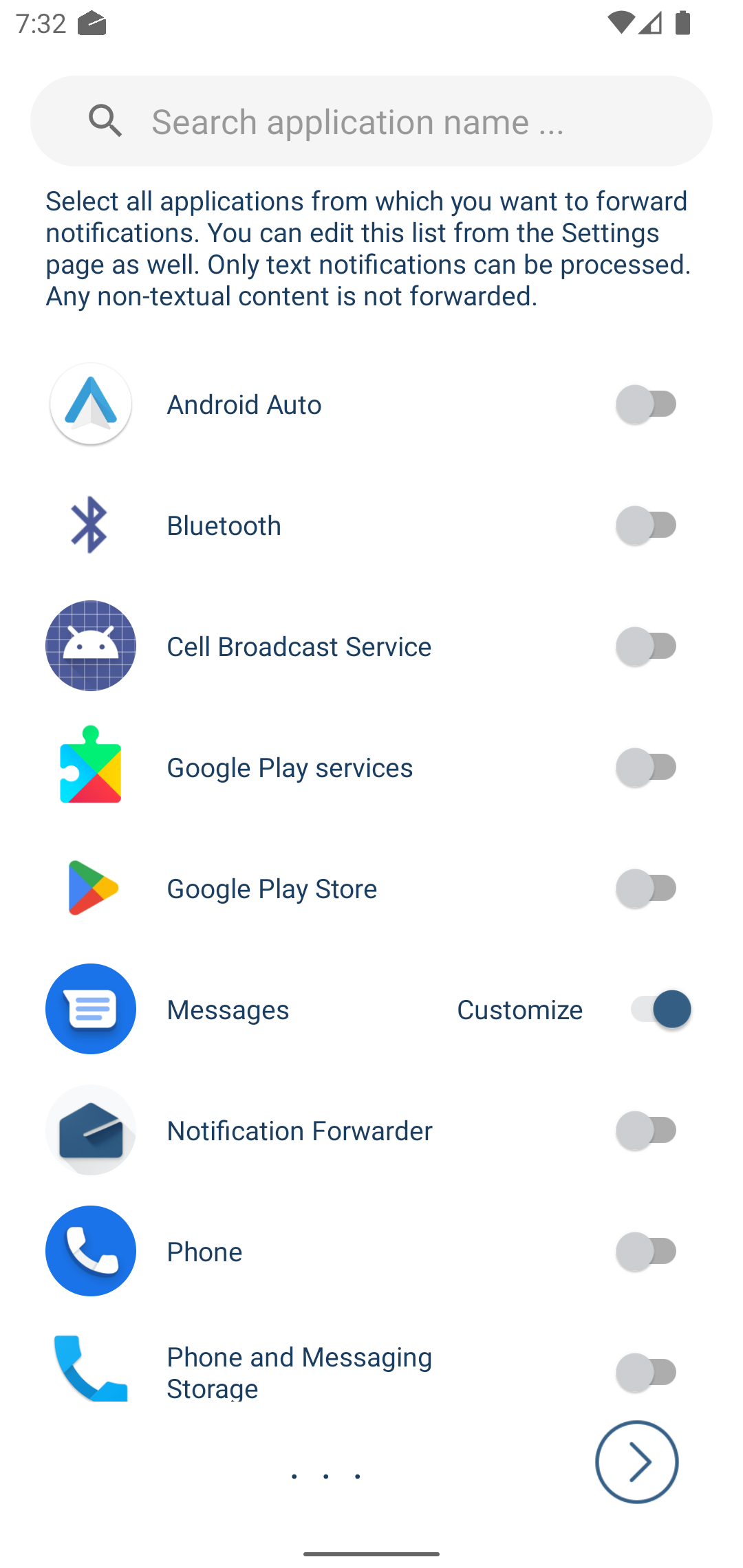
Select Apps
Select apps that you want to forward thier notifications.
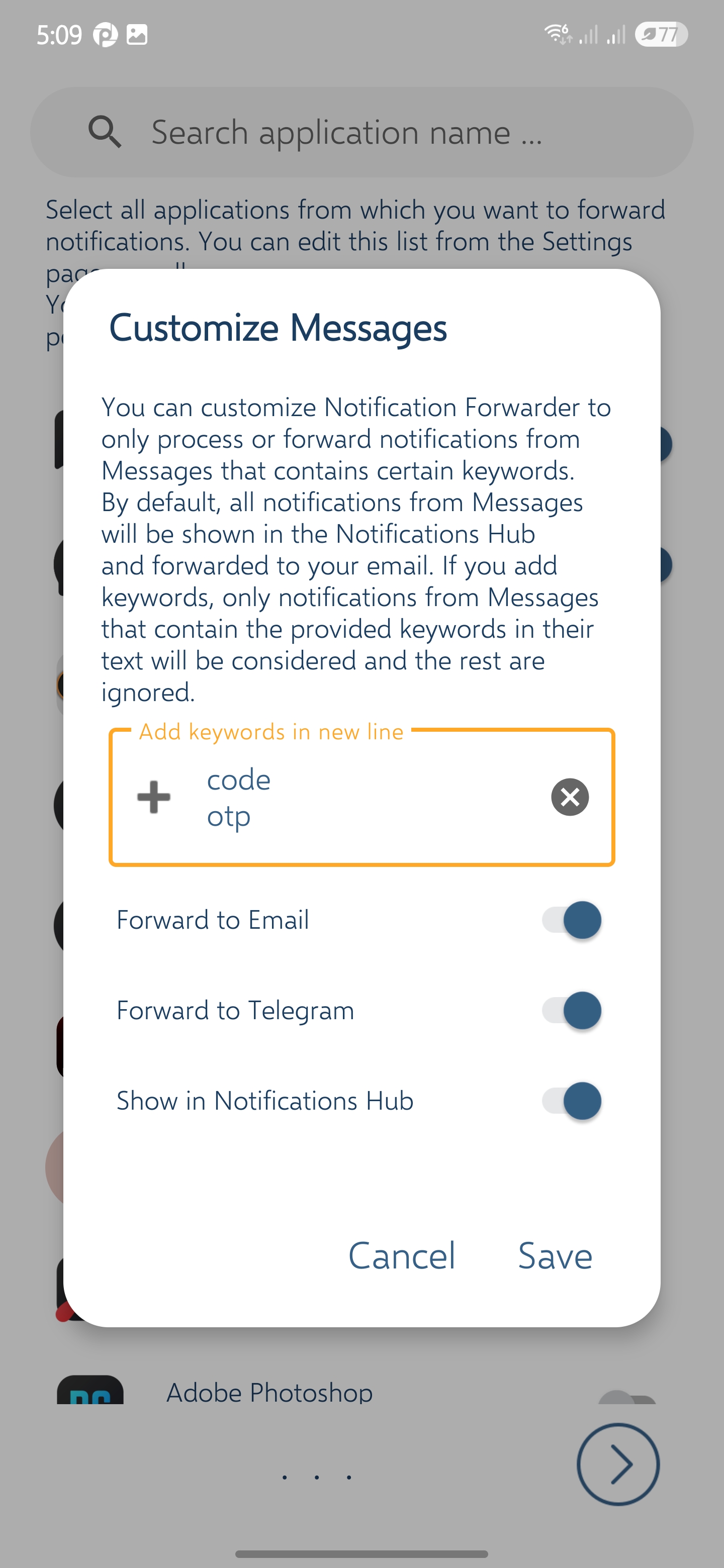
App Customization
Define keywords. Only notifications containing any of the keywords will be forwarded.
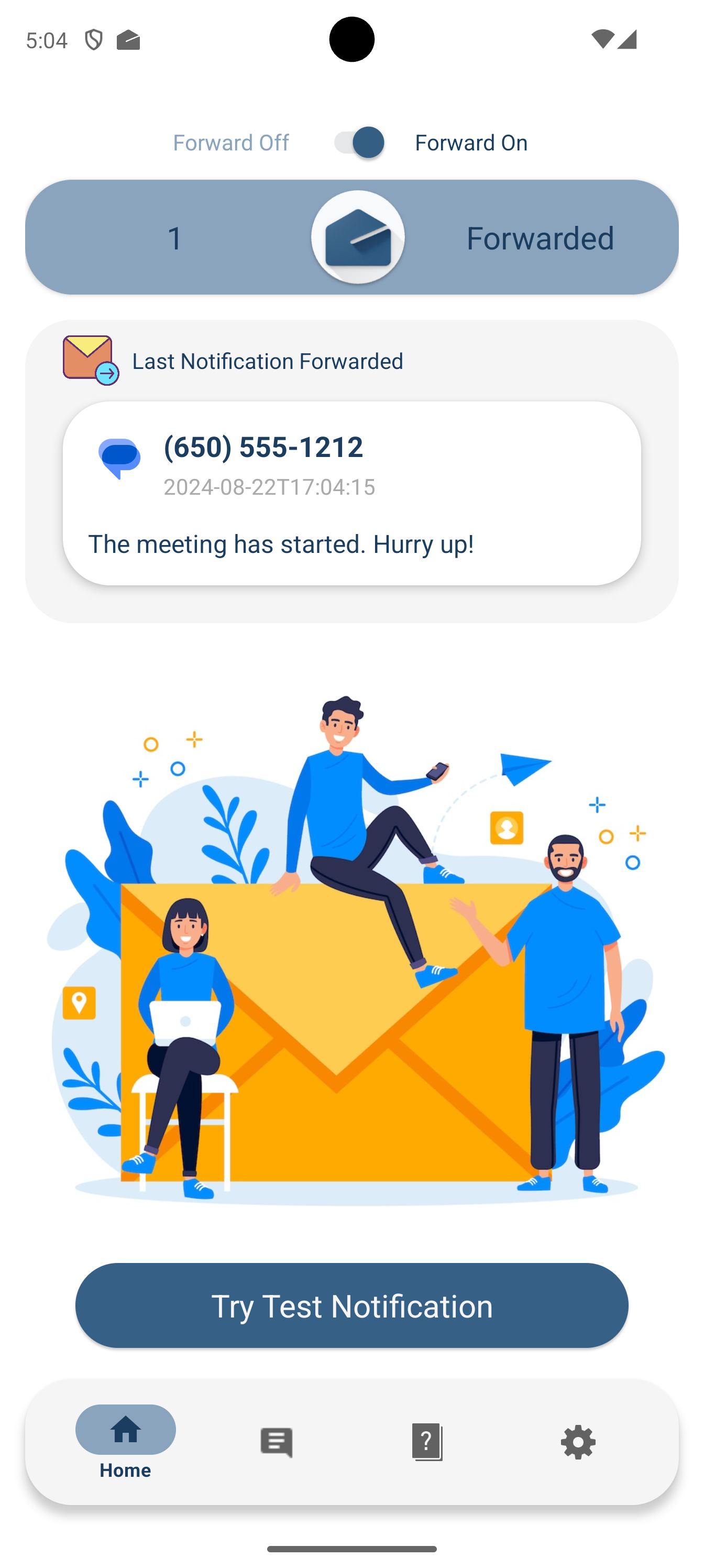
Dashboard
The dashboard showing forward status and statistics.
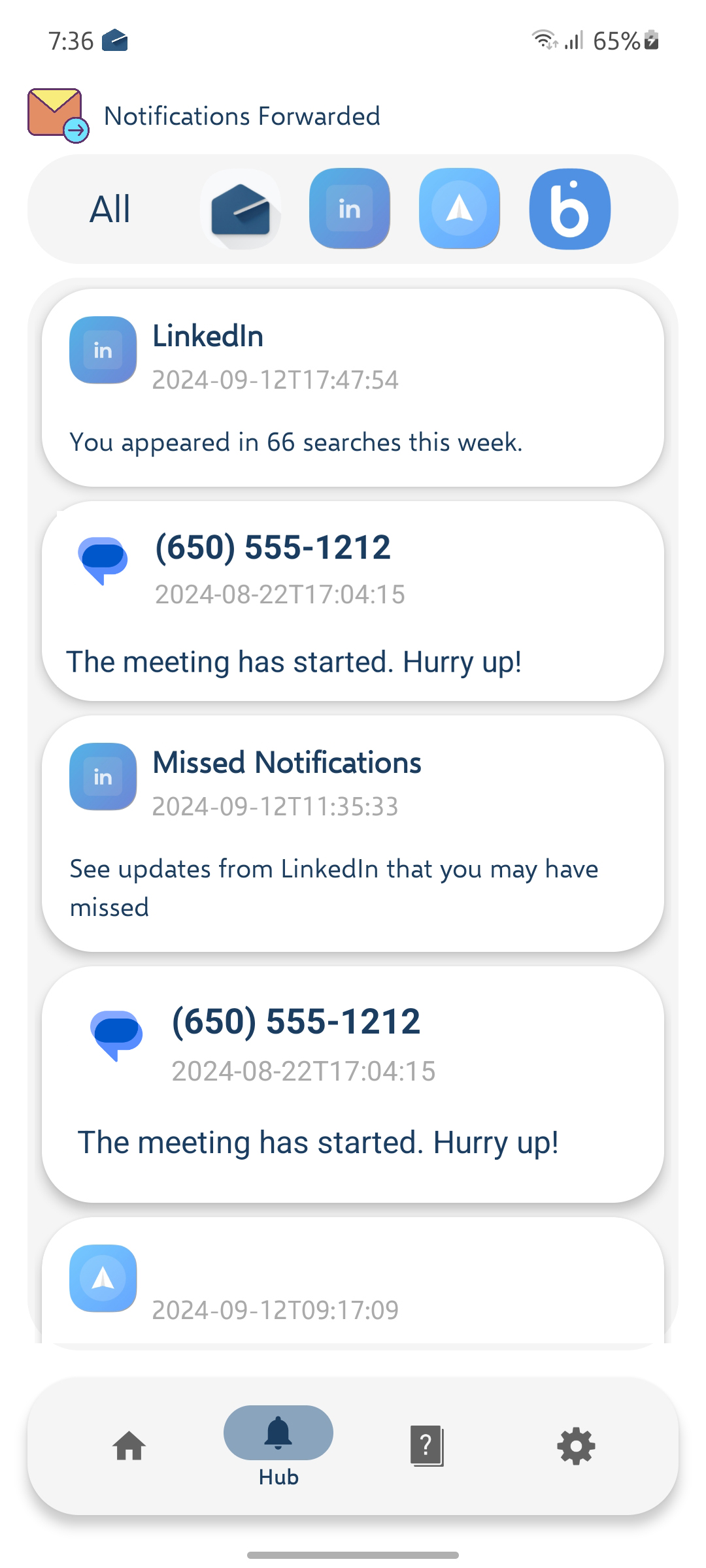
Notification Hub
Notification Hub, showing all notifications forwarded.
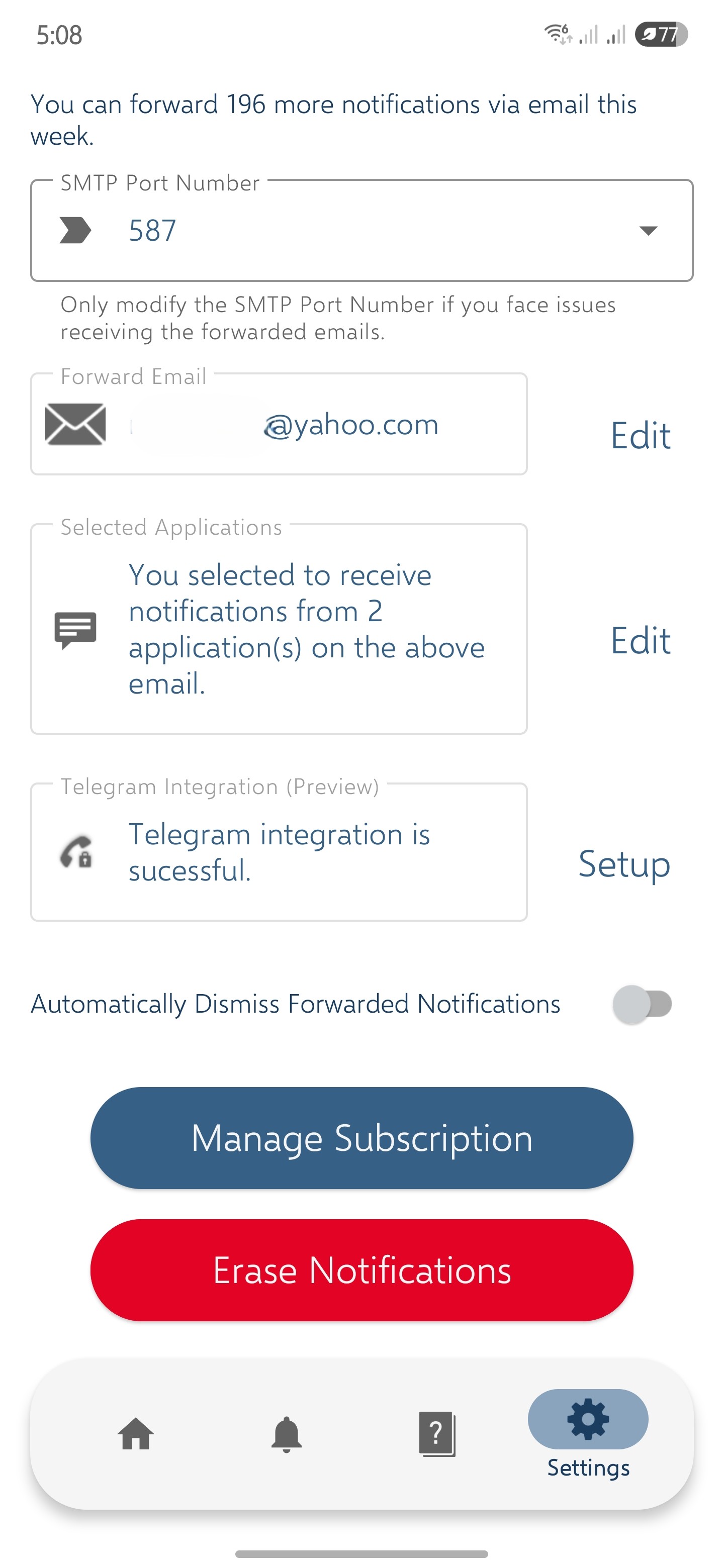
Settings
Settings page, enabling you to edit the selected app and change other configurations.
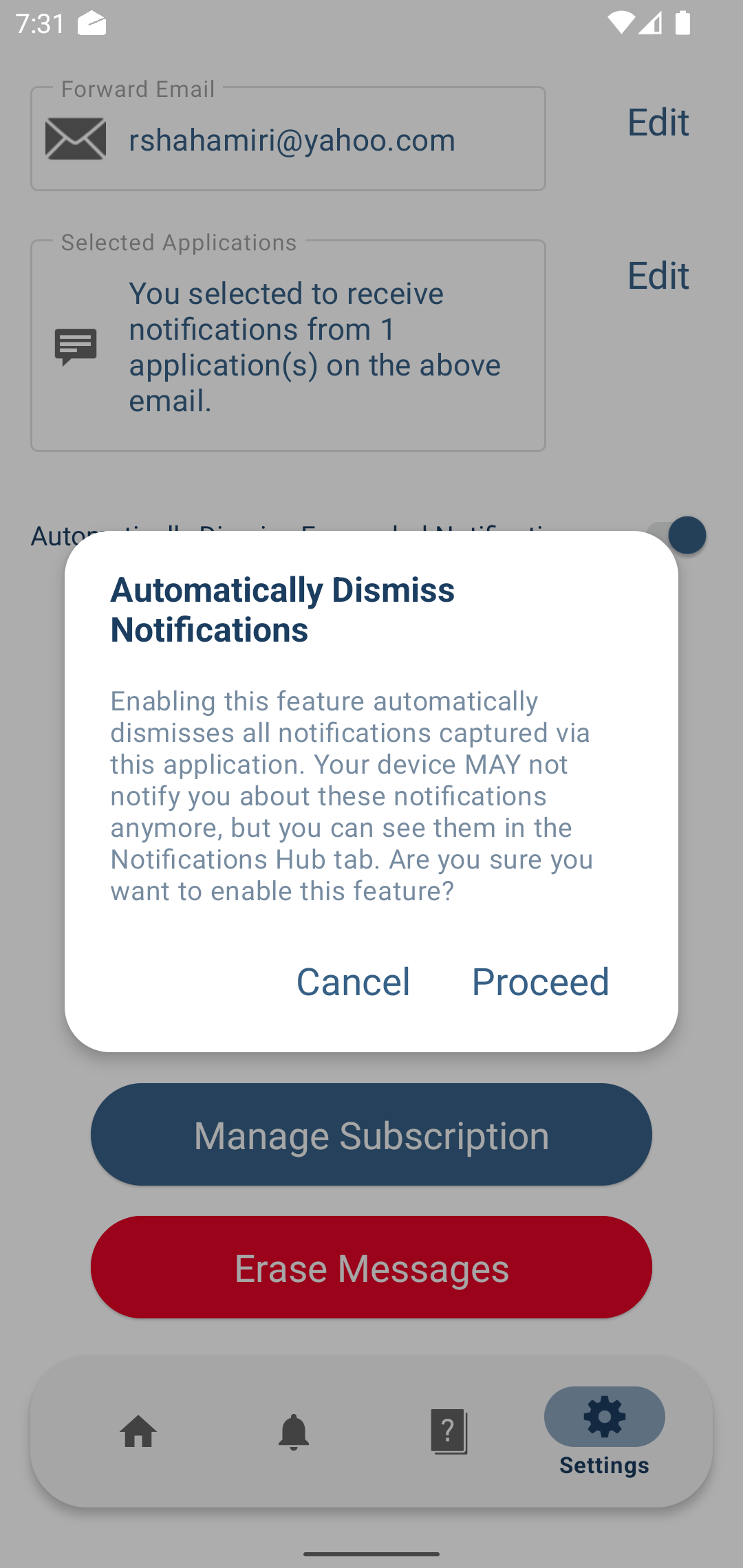
Auto-Dismiss
Keep your status bar clean by auto-clearing forwarded alerts.
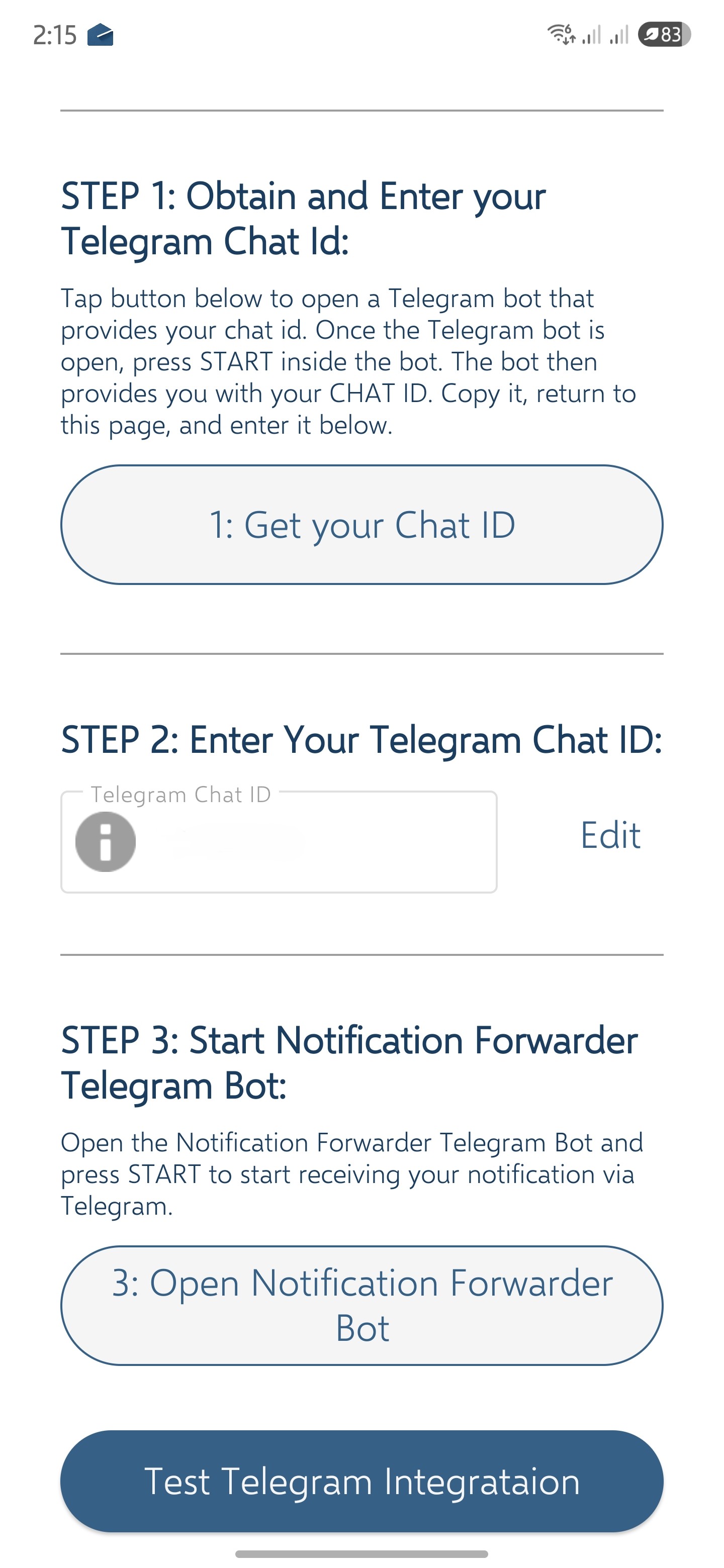
Telegram Integration
Setup forward to Telegram in addition or instead of email.